


最佳答案
[zsh-autosuggestion] - 输入命令时可提示自动补全 [zzsh-syntax-highlighting] - 日常用的命令会高亮显示,命令错误显示红色
插件引入配置
vim ~/.zshrc配置项名称为 plugins 将其配置为
plugins=(git)
将其改为
plugins=(
git
zsh-autosuggestion
zsh-syntax-highlighting
)
安装 zsh-autosuggestion
git clone git://github.com/zsh-users/zsh-autosuggestions $ZSH_CUSTOM/plugins/zsh-autosuggestions安装 zsh-syntax-highlighting
git clone https://github.com/zsh-users/zsh-syntax-highlighting.git ${ZSH_CUSTOM:-~/.oh-my-zsh/custom}/plugins/zsh-syntax-highlighting最后执行命令更新配置,然后重启 iterm
source ~/.zshrc 讨论数量:

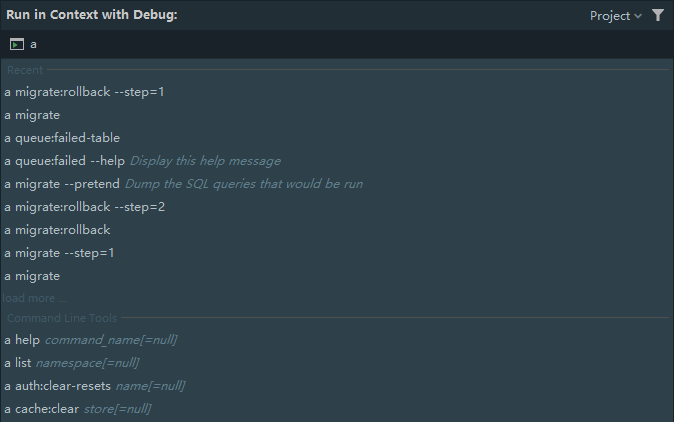
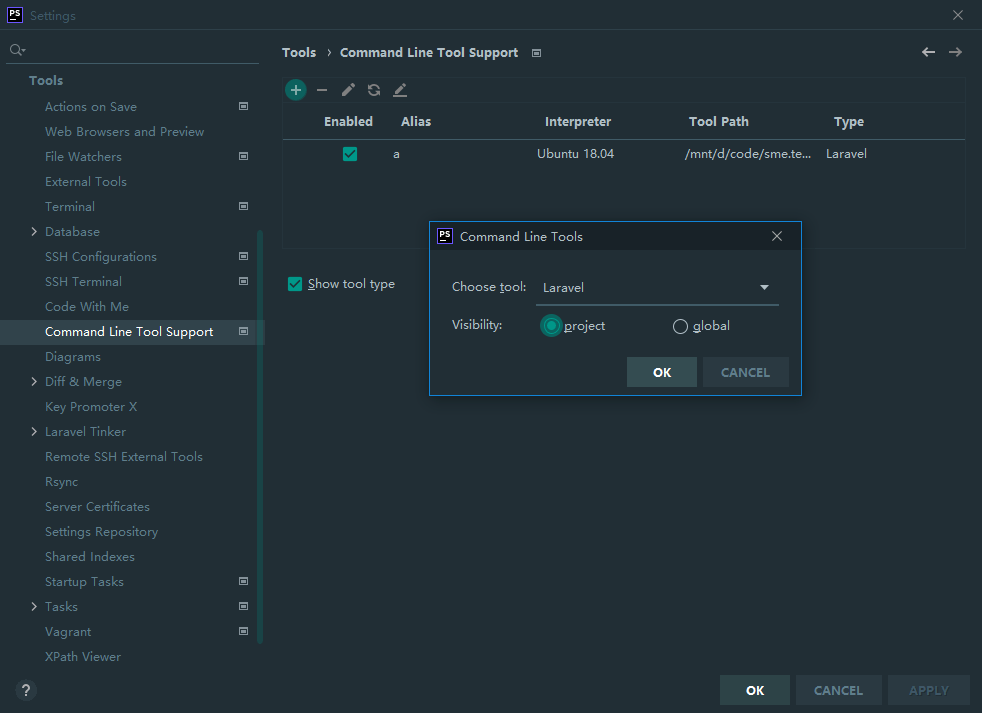
这不是命令行的功能吗? iterm2配置下


php artisan list ?



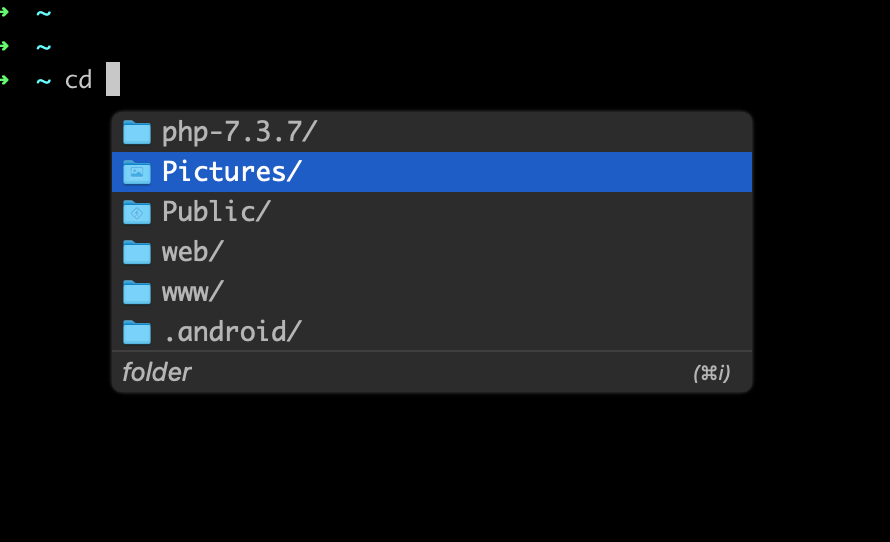
[zsh-autosuggestion] - 输入命令时可提示自动补全 [zzsh-syntax-highlighting] - 日常用的命令会高亮显示,命令错误显示红色
插件引入配置
vim ~/.zshrc配置项名称为 plugins 将其配置为
plugins=(git)
将其改为
plugins=(
git
zsh-autosuggestion
zsh-syntax-highlighting
)
安装 zsh-autosuggestion
git clone git://github.com/zsh-users/zsh-autosuggestions $ZSH_CUSTOM/plugins/zsh-autosuggestions安装 zsh-syntax-highlighting
git clone https://github.com/zsh-users/zsh-syntax-highlighting.git ${ZSH_CUSTOM:-~/.oh-my-zsh/custom}/plugins/zsh-syntax-highlighting最后执行命令更新配置,然后重启 iterm
source ~/.zshrc
fish 试下

有没有 win 的设置?



 关于 LearnKu



 粤公网安备 44030502004330号
推荐文章: